A quiet reader for Markdown specs.
MarkOz opens the long specs that spec-driven development produces and shows them in a calm, editorial layout. When an agent rewrites the file, the page updates in place and keeps your place.

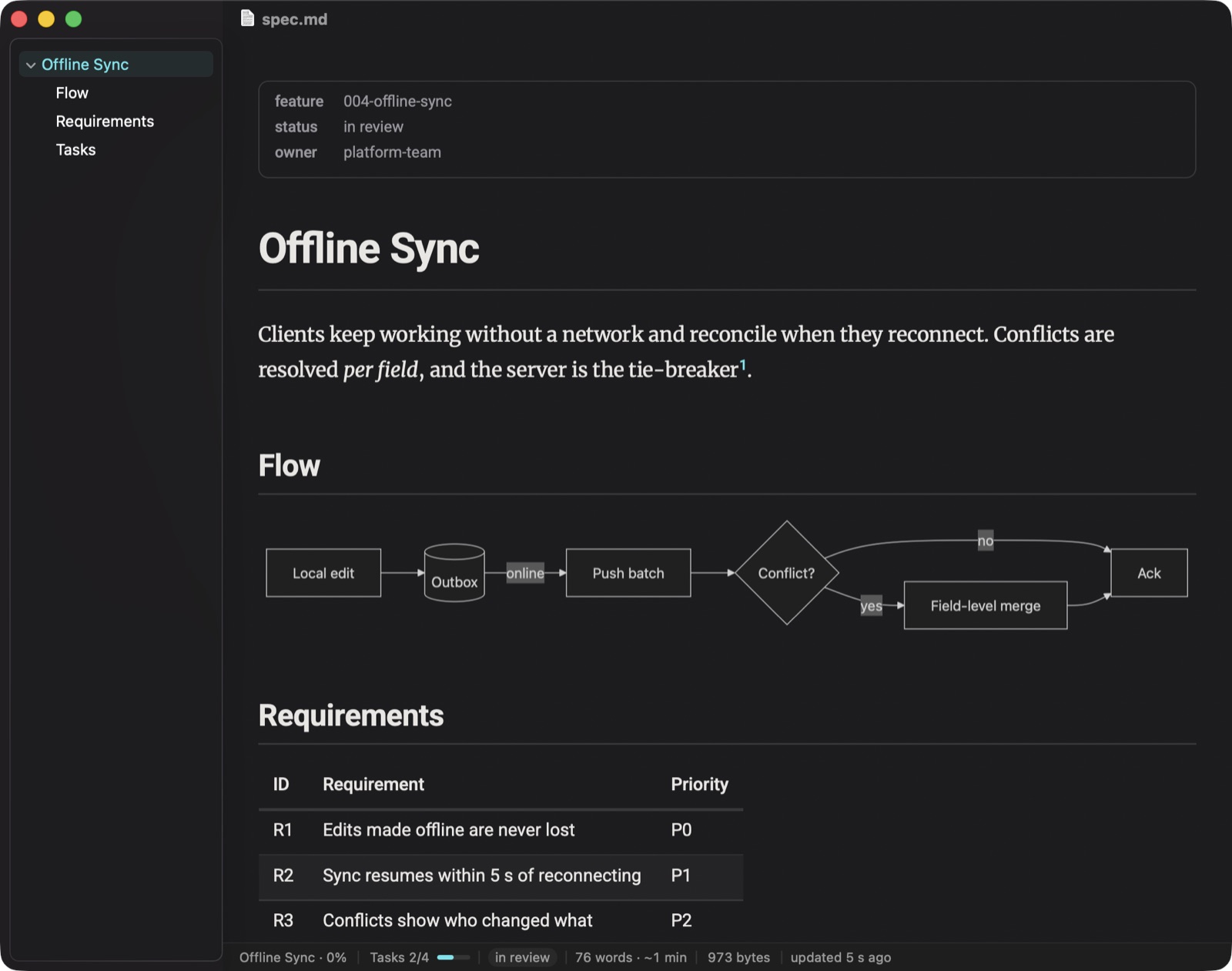
One window, three ways to look at a file.
Switch from the title bar or with ⌘1, ⌘2 and ⌘3. MarkOz keeps your place as you go.
Rendered
Merriweather in a 72-character column, tables, task lists, footnotes, highlighted code and Mermaid diagrams. The default, and the point.
Raw
The Markdown itself, coloured and read-only, with line numbers. For when you need to see exactly what the agent wrote.
Editor
The same view, editable. Lists continue on Return, ⌘B ⌘I ⌘E ⌘K format, and autosave keeps the file current — or turn it off and save with ⌘S.
Everything a spec needs, nothing it doesn't.
No accounts, no sync, no plugins. A native app that reads Markdown well and gets out of the way.
Live reload
MarkOz watches the file. When Claude, git or your editor saves it, the page updates and keeps your scroll position.
Table of contents
A sidebar with h1–h4 that follows the section you are reading. Click to jump.
Collapsible sections
Fold any H2 or H3 — or the frontmatter — to one line. MarkOz remembers what you folded, and ⌘F opens what it finds.
Mermaid and code
Diagrams render inline, code is highlighted, and a hover button copies a block — or a diagram as a PNG.
Status bar
Section and progress, open tasks, the frontmatter status, words and reading time, and when the file last changed.
markoz:// links
Link straight to a spec, a line or a heading from notes, docs or a terminal — MarkOz opens it, even if .md opens elsewhere.
Yours to tune
Light and dark, a cyan or magenta accent, text sizes, column width and what the status bar shows.
Offline and private
Everything ships inside the app. Nothing is fetched from the network, and links to network locations are refused.
Native and light
AppKit text rendering, no Electron. A spec uses under 70 MB of memory and an idle window uses no CPU.
Small and quick by design.
From the performance bench MarkOz runs for every release (0.6.0, Apple silicon).
Ready in a minute.
- Download the disk image.
- Open it and drag MarkOz to Applications. It is signed with a Developer ID and notarized by Apple.
- Open a
.mdfile. To make MarkOz your Markdown reader, use Settings ▸ General ▸ Make default.
# open a spec at a heading
$ open 'markoz://~/dev/specs/spec.md#goals'

# or at the section holding a line
$ open 'markoz://~/dev/specs/spec.md?line=40'

# or show the Open panel in a folder
$ open 'markoz://~/dev/specs'
Free, and staying free.
MarkOz has no ads, no accounts and no paid tier. If it saves you time reading specs, a coffee keeps the next version coming.